Triage and classify
Organise by category, channel, department, status and priority.
 MAINSYSTEMS

Receive reports, keep the conversation open and take every case through to a decision — in one platform.
UNOVOX connects the reporting person’s experience to the daily work of the team receiving, assessing and documenting each case. The organisation configures the channel; the platform keeps information and actions in one workflow.
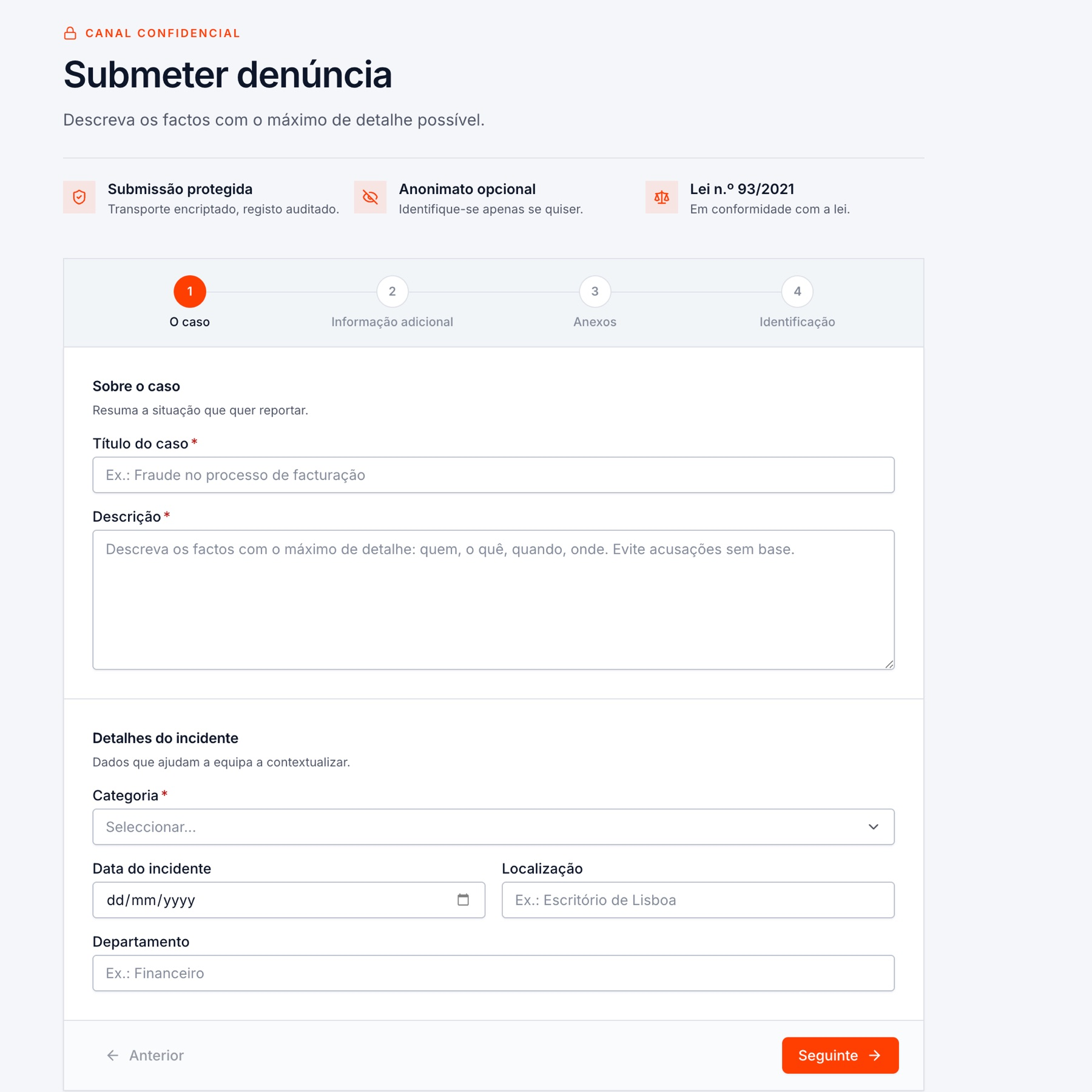
The form divides the report into clear stages: case description, additional information, attachments and optional identification.
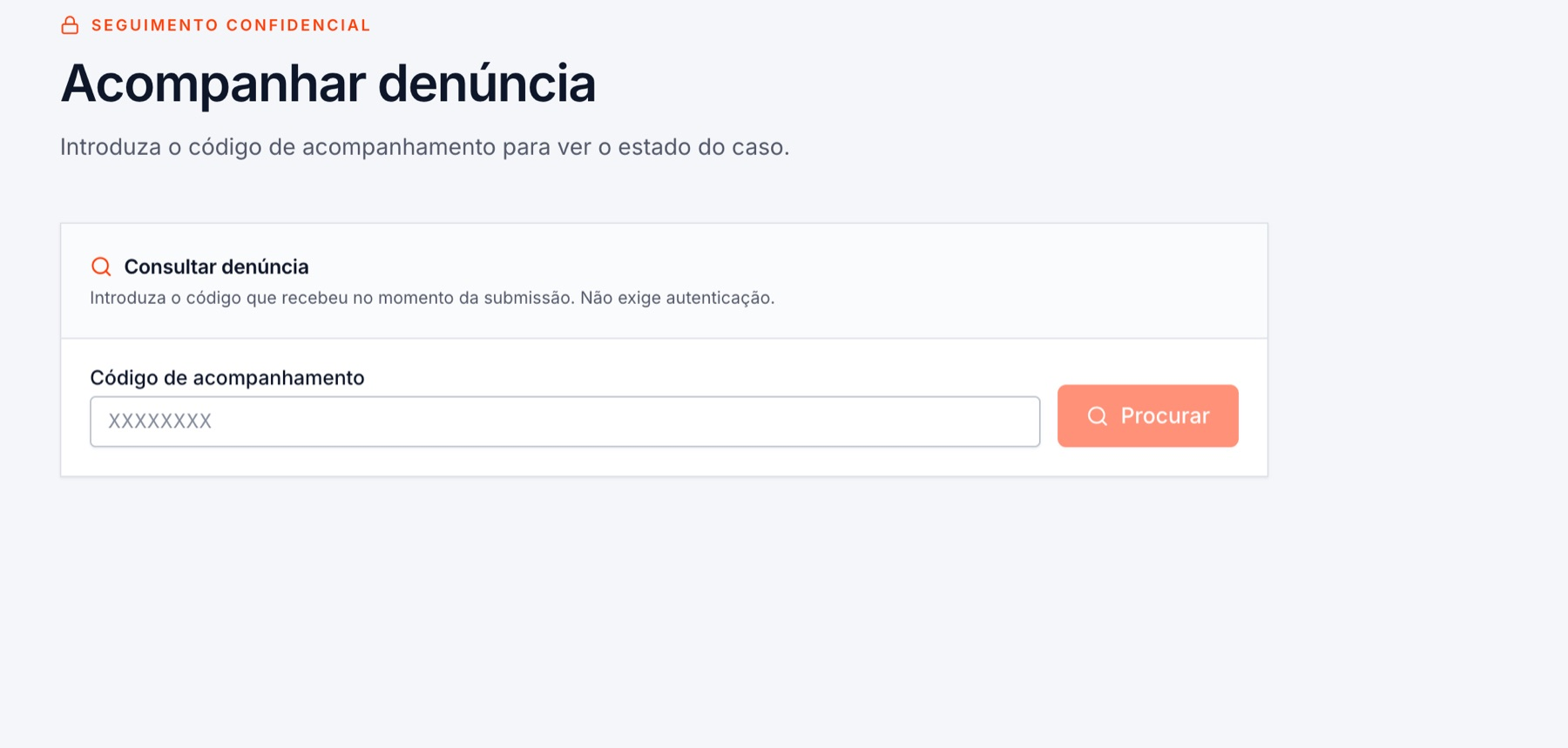
The tracking code lets the reporting person return without creating an account. The organisation can communicate with them while keeping the dialogue associated with the case.
Users, appearance, public documents, categories, channels, priorities, departments, additional fields, deadlines, case assignment and languages are managed in settings.
See all features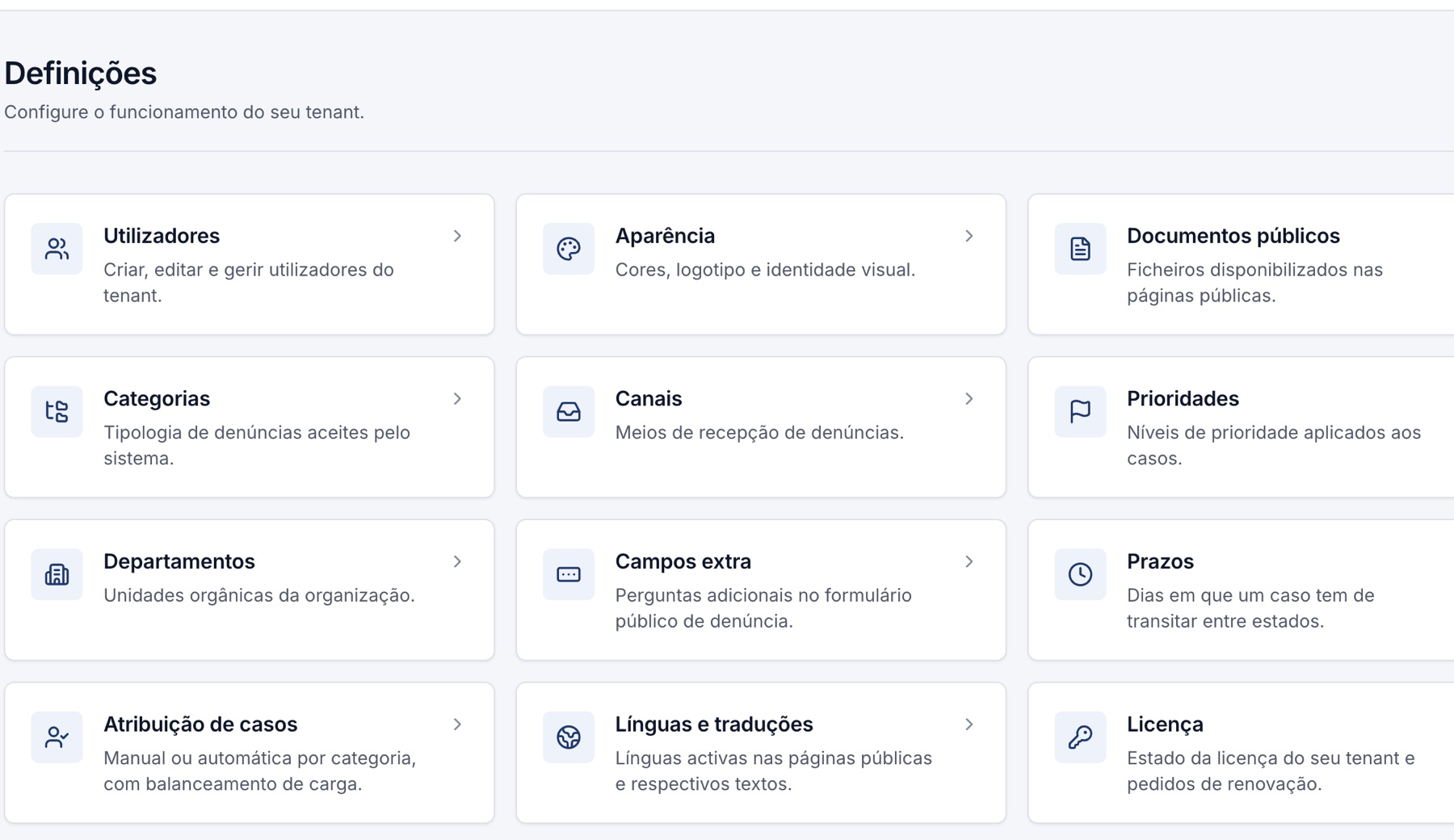
Each case brings together classification, owner, priority, messages, tasks, attachments, reminders, related cases and history. The team can see what changed and prepare documents from recorded data.
Organise by category, channel, department, status and priority.
Associate the case with an owner and monitor workload distribution.
Set transition deadlines and identify cases requiring attention.
Keep actions and changes in the history and generate period or case reports.
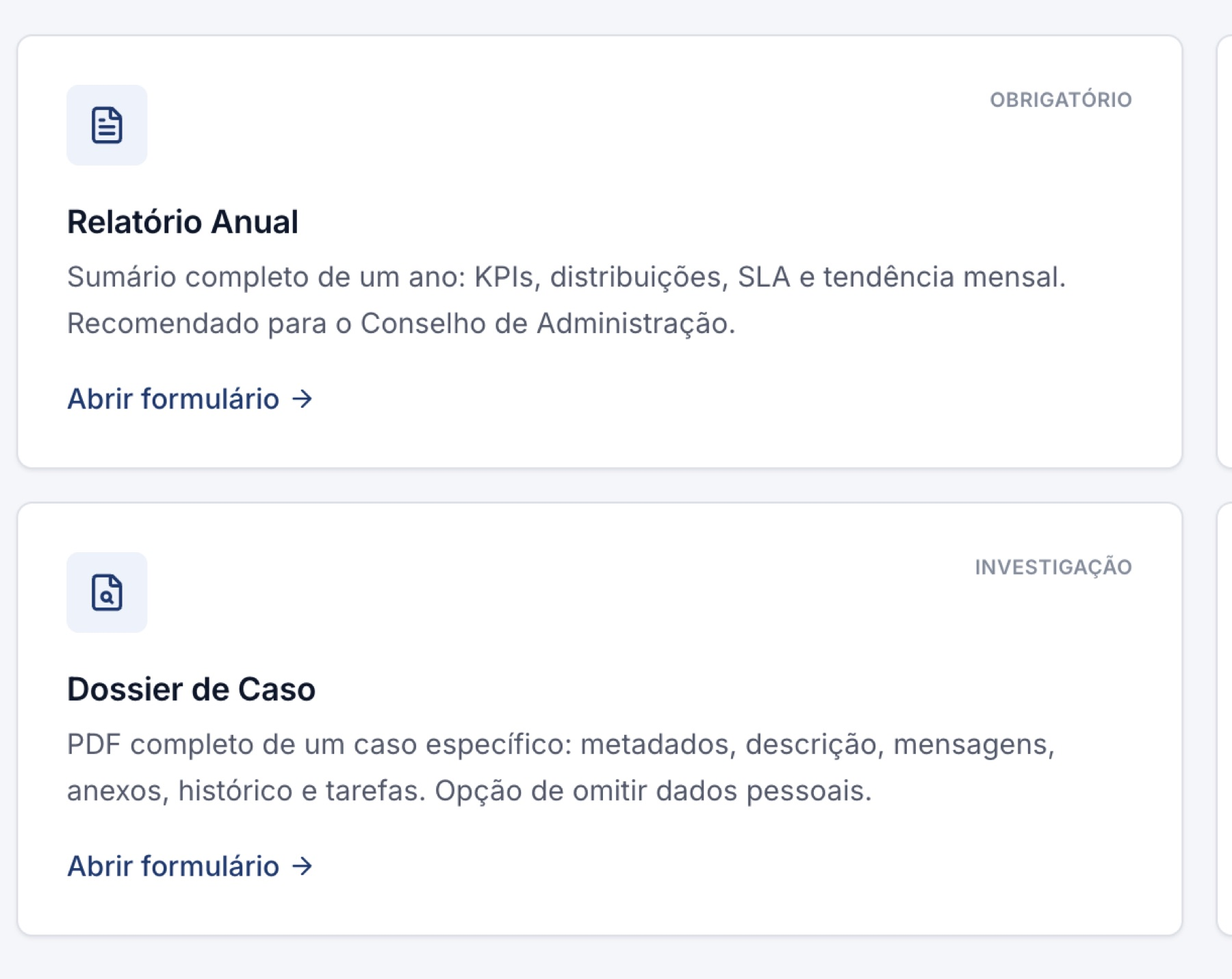
The platform offers annual and periodic reports, case files and audit records. Statistics help analyse volume, status, priorities, categories and resolution times.
Explore case managementOur knowledge centre separates legal information from commercial claims. Every guide lists its official sources and last review date. The content is informational and does not replace legal advice.
General criteria, public entities and covered sectors.
DEADLINESWhat the law provides after a report is received.
DECISIONThe general framework for the two routes.
IMPLEMENTATIONPolicies and procedures that help operationalise the process.
See the public channel, case management, configuration and reports as one complete workflow.